Websites
WordPress Theme Updated but Website Hasn’t Changed: What to Check
If a new theme ZIP or theme edit is installed but the live site looks unchanged, use this checklist before…

If a new theme ZIP or theme edit is installed but the live site looks unchanged, use this checklist before…
Clear WordPress, LiteSpeed, Hostinger server, CDN and browser caches without randomly deleting files.
Moved WordPress and now images are broken? Check URLs, uploads, permissions, HTTPS, database references and cache before re-uploading everything.
Connected a domain to Hostinger but see a 404? Separate DNS, document-root and WordPress permalink problems with this checklist.
Desktop navigation works but the mobile hamburger menu is missing or does nothing? Check menu assignment, CSS, JavaScript and cache.
A safe recovery sequence for the WordPress critical error message, including recovery email, plugins, themes, PHP and error logs.
A 403 means the server understood the request but refused access. Check URL scope, security, permissions, .htaccess and plugins without…
A safe sequence for diagnosing WordPress 500 errors using logs, recent changes, plugins, themes, PHP and rewrite configuration.
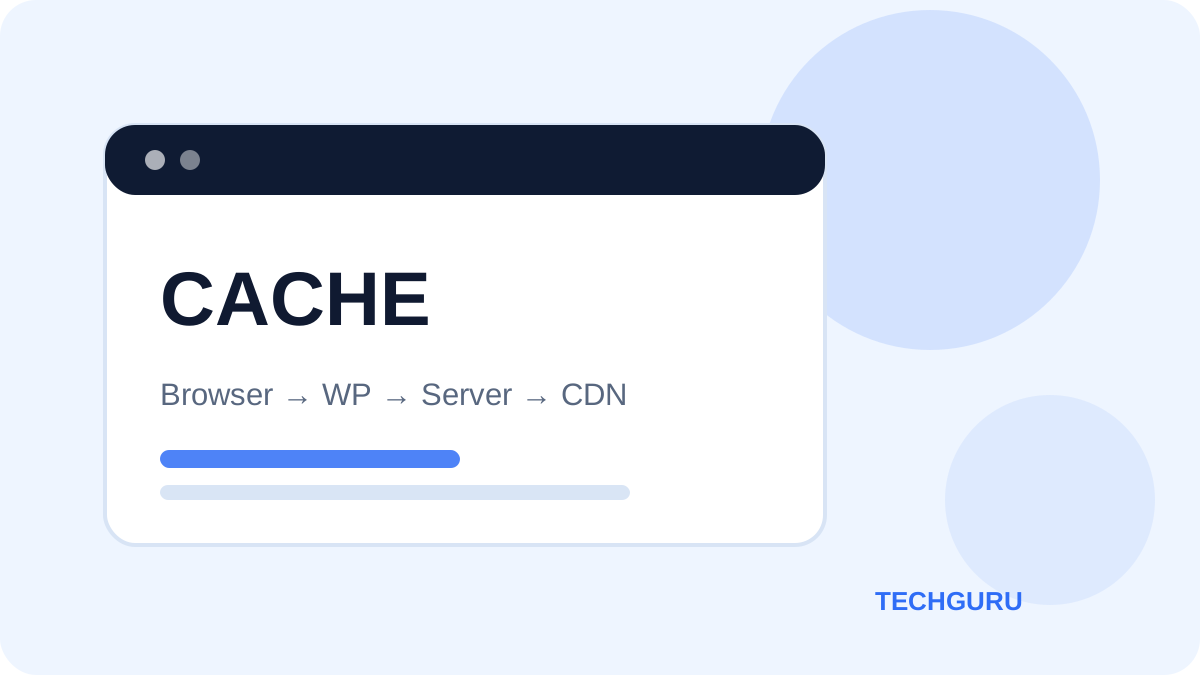
Changed your WordPress site but still see the old version? Work through browser, LiteSpeed, Hostinger, CDN, theme and CSS checks…
A systematic way to diagnose WordPress pages, menus or layouts that work on desktop but fail on phones.